A perfect copy can still be wrong.
You can copy an amount without a single typo and still enter the subtotal where the form expects the balance due. You can transfer a customer identifier accurately but attach it to the wrong customer. You can reproduce a sentence exactly and miss that it described an earlier reporting period.
“Be more careful” is not a complete workflow. It leaves the person to remember which source was selected, what the field means and which row they reached, all while moving between applications.
A better starting point is to separate four checks. First, is this the correct source? Second, does this information mean what the field asks for? Third, do the characters agree? Fourth, does the finished record make sense as a whole?
Those checks are useful whether you type, paste or import. The method of moving the information does not remove the need to establish what it belongs to.
Establish the source before the first field.
Confirm the document, version and person or organisation it concerns. A corrected invoice, a revised report and yesterday’s export may look almost identical to their predecessors. If two plausible versions are open, resolve the difference before entering details.
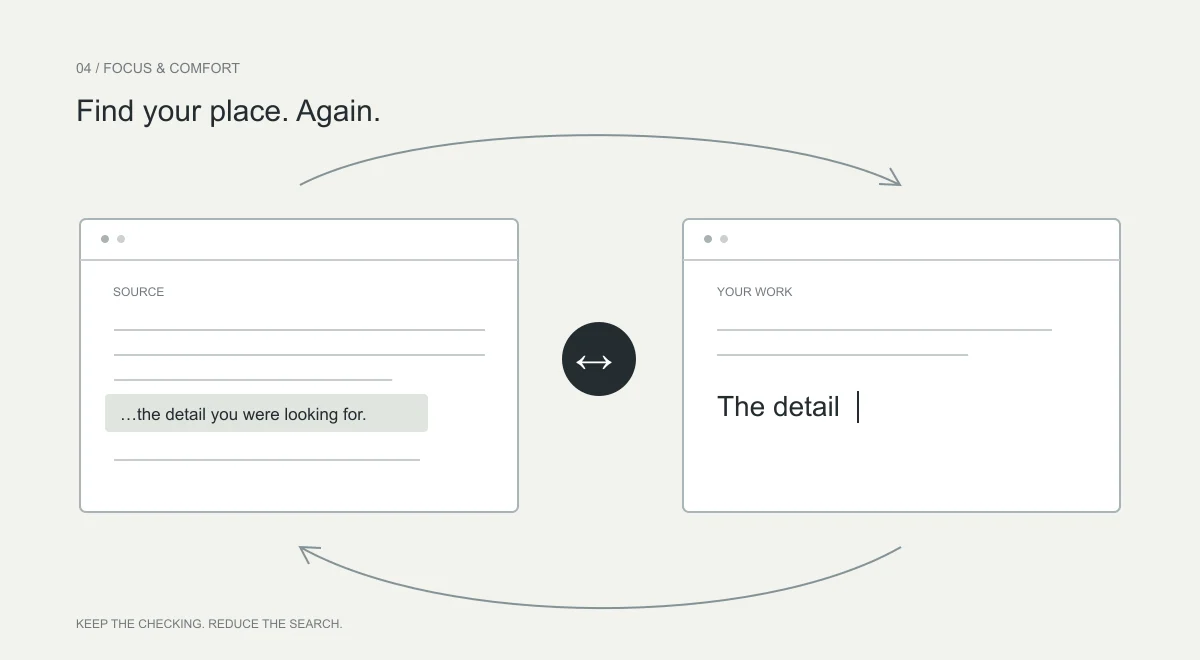
Keep the source and destination identifiable on screen. Use readable zoom and position the relevant passage or record near the work area. When interrupted, leave a clear place to resume rather than depending on memory.
For research notes, keep the document reference and page with the excerpt. For business records, keep the appropriate reference or identifier within your organisation’s approved process. Avoid creating an extra personal spreadsheet of confidential information just to track progress.
Check meaning before format.
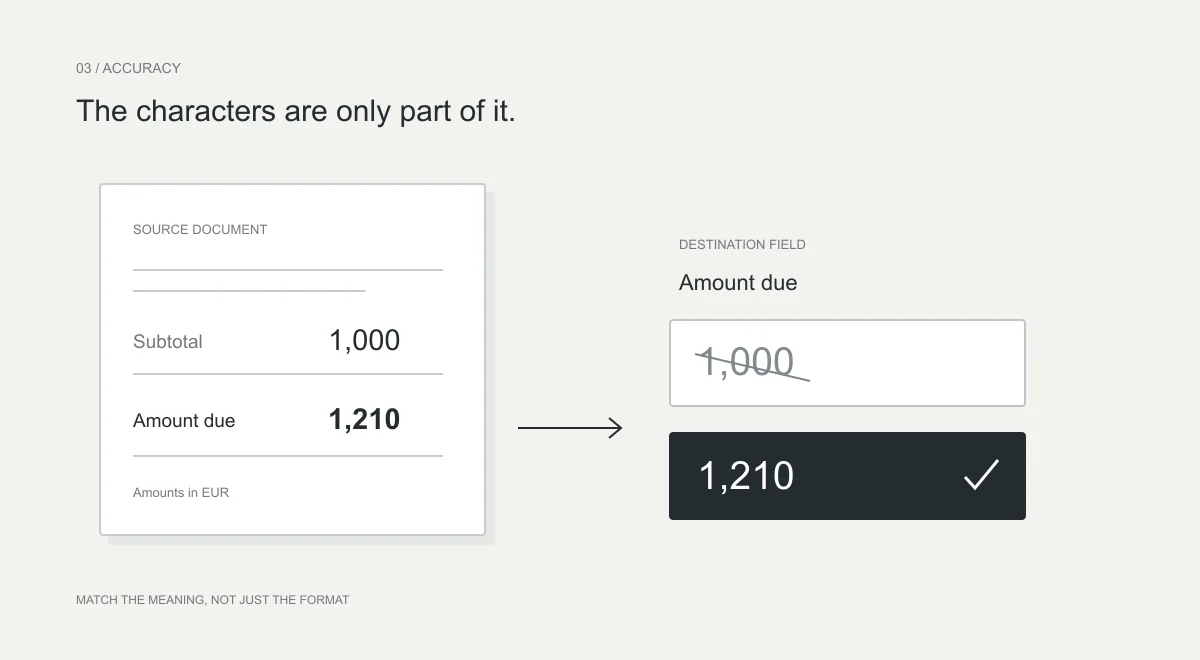
A field accepting a value does not prove the value belongs there. A date picker can accept the wrong date. A number field can accept an amount in the wrong currency. A text box may accept an identifier after its leading zero has disappeared.
| Source says | Destination asks | What to establish |
|---|---|---|
| Invoice date: 4 March | Due date | A different date may be required. |
| Subtotal: €1,000 | Amount due | Tax, credits or payments may change it. |
| Customer ID: 004821 | Customer ID | Preserve the identifier, including leading zeros. |
| Quantity: 12 boxes | Quantity in units | Do not assume a box equals one unit. |
Read the label and surrounding context together. If the source does not answer the field, do not fill the gap with a plausible guess. Follow the workflow’s procedure for missing or conflicting information.
Keep related values together.
For a line item, check its description, quantity, unit and price as one record. Moving all quantities first and all prices later may make it harder to notice that one row was skipped or reordered. Choose a sequence that preserves the relationship, not just the screen position.
Repeated values deserve extra attention. Two items can have the same price. Two people can share a surname. The third row in a source does not necessarily correspond to the third row in a destination with sorting, hidden entries or existing data.
Before moving on, compare the entered record with its source. Do not rely only on the absence of a warning. A system may not know which value was intended, and a technically valid entry can still be the wrong one.
Why not automate all of it?
Sometimes you should automate it. A reliable structured import with known field mapping, duplicate controls and a reviewable result can remove unnecessary retyping. Making people enter the same predictable information forever is not a virtue.
But full automation is a poor default when the mapping is unclear, the document contains exceptions or the consequence is difficult to reverse. The useful choice is not “manual or modern.” It is whether the route you use can establish and preserve the meaning of the information.
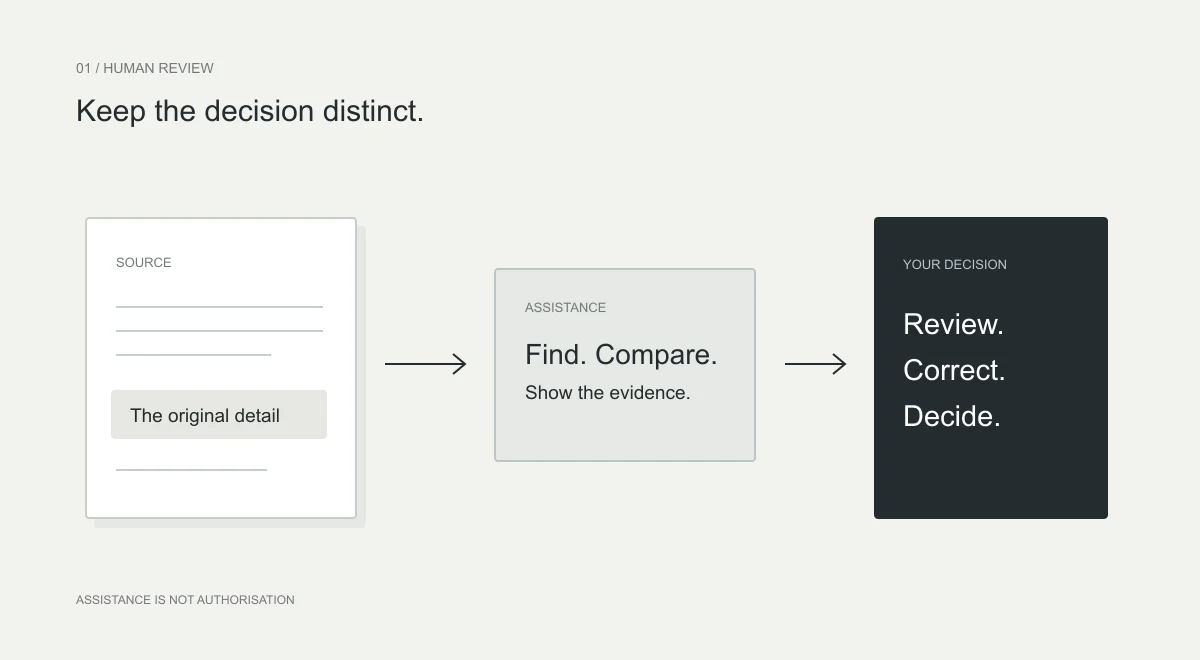
Relayne does not automatically fill or submit forms. Its role is narrower: bring a matching source value beside a supported field and provide typing feedback where available. You can inspect, correct and decide what to enter. This is a design choice for assisted work, not proof that manual entry always outperforms automation.
If your existing import already works reliably, keep using it. Assistance is most relevant to the remaining work where you still need to read, interpret or enter details yourself.
Review before the consequence.
W3C’s guidance for certain important web submissions addresses ways to reverse an action, check input or review and correct it before finalisation. It recognises that mistakes should be recoverable, not merely blamed on the user. W3C Web Accessibility Initiative.
Apply that thinking to your own process. Review the completed record against the source before submitting, sending or approving. For consequential work, follow your organisation’s requirements for independent review rather than replacing them with a software indicator.
- Correct source and version.
- Correct person, organisation or item.
- Field meaning, units, dates and currency checked.
- Characters and required details compared.
- Related values kept with the correct record.
- Normal approval and submission checks completed.
To improve a workflow, measure corrections as well as speed. Compare a few non-confidential examples using the same method of checking. A faster entry that needs more rework is not the improvement you were looking for.
Sources & further reading.
Research and guidance inform this article. They do not establish Relayne’s effectiveness. Product descriptions follow the current demonstrations and privacy explanation.
- Understanding error prevention for legal, financial and data submissionsW3C Web Accessibility Initiative
Research checked 8 October 2026. Have a correction? Tell the Relayne team.